

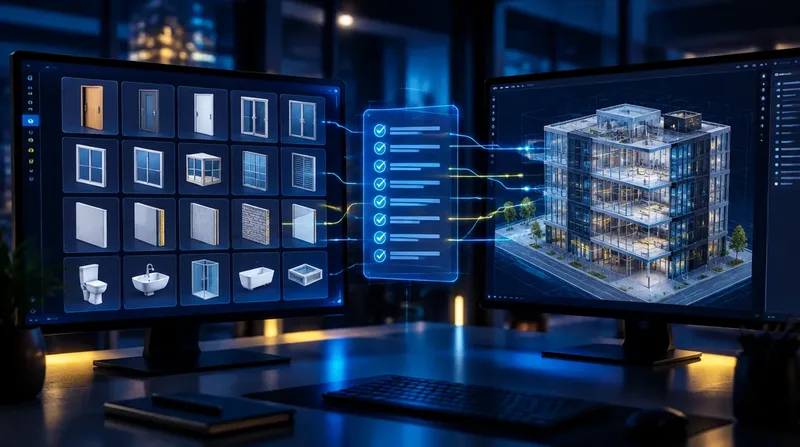
Templates drift between projects, so no two models start the same. Family versions, level names and title blocks differ from job to job.

Design automation, construction data and AI-readiness, built by the people who produce the drawings your systems describe.
“Modelling work repeats, and the hire can’t be made”
Design Technology & Automation“The numbers don’t tie across your systems”
Construction Data & Project Controls“Your AI initiative stalled on the data underneath”
Information Governance & AI-ReadinessData platforms, analytics, governance and AI that the business can trust, from first pipeline to production AI.
“Data is spread across systems nobody trusts”
Data Engineering & Modern Platforms“Reports take days and still disagree”
Analytics & BI“No one owns the data, or its quality”
Data Governance & AI-Readiness“AI pilots never reach production”
AI & GenAI IntegrationAutomation and project data, from AEC production specialists since 2003.
“Modelling work repeats, and the hire can’t be made”
Design Technology & Automation“The numbers don’t tie across your systems”
Construction Data & Project Controls“Your AI initiative stalled on the data underneath”
Information Governance & AI-ReadinessEnterprise data platforms, analytics, governance and AI.
“Data is spread across systems nobody trusts”
Data Engineering & Modern Platforms“Reports take days and still disagree”
Analytics & BI“No one owns the data, or its quality”
Data Governance & AI-Readiness“AI pilots never reach production”
AI & GenAI Integration

Your team rebuilds the same models, redraws parts for the shop and chases files by email.
BIM automation services take that manual work out. Or see how design data reaches fabrication.
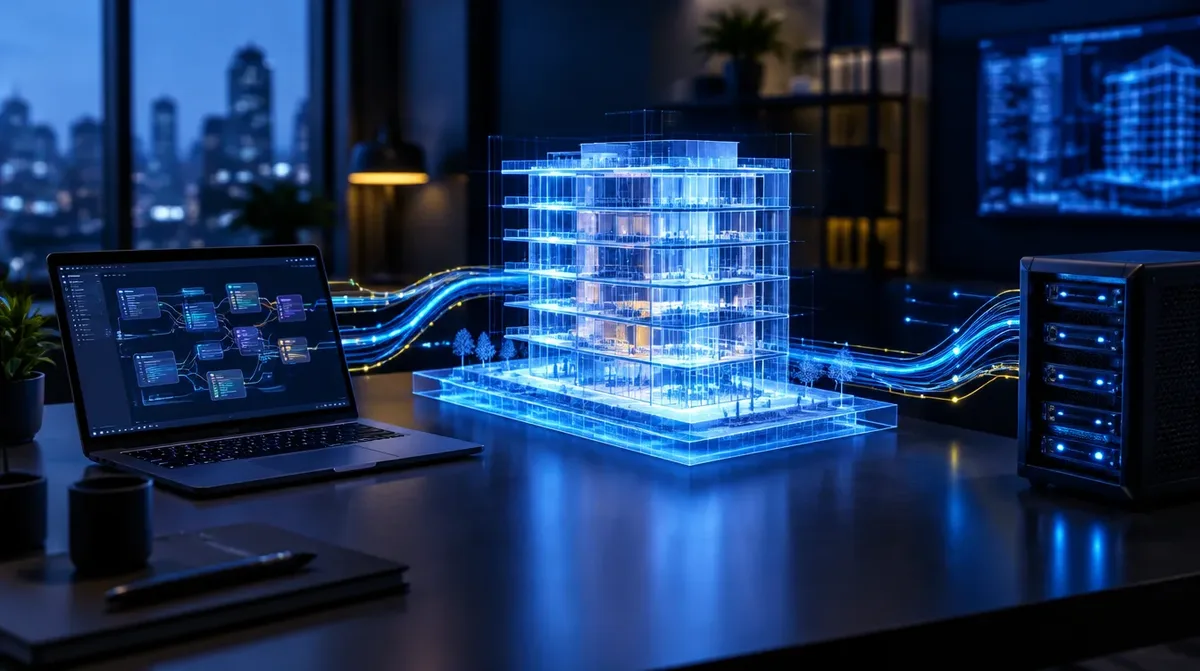
Design work leaks in three places. The first is the standards your models are built on. The second is the route from design model to fabrication output. The third is the routine handoff between design and project-management systems.
Each one fails in a recognisable way.
Templates drift between projects, so no two models start the same. Family versions, level names and title blocks differ from job to job.
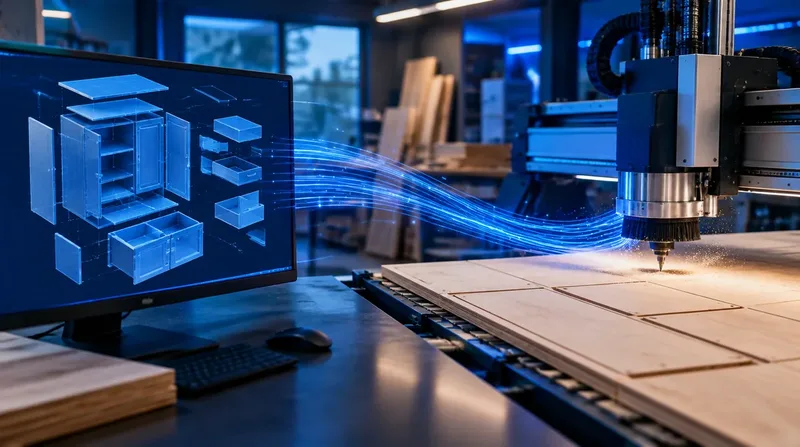
Parts are redrawn in fabrication software because the design model does not carry what the shop needs.

Approvals and file moves run on email because no system owns the connection.
See where design work leaks today, and how each service line closes one of the leaks.
How the three leaks are closed


Start with the service line that matches the problem you have now.
Templates and standards drift between projects
Revit and AutoCAD templates, content libraries and standards enforcement across every project
Templates, Standards & DeploymentParts are redrawn between design and fabrication tools
Geometry and data moved from the design model into Cabinet Vision, Microvellum and CNC, without re-entry
Interoperability & Fabrication PipelinesParts and cut lists are built by hand for every job
Parametric parts, nesting, cut lists and CNC output generated straight from the design model
Design-to-Fabrication AutomationRevit and fabrication software disagree on the same part
A mapped, validated route from Revit models into Cabinet Vision and Microvellum, part by part
Revit to Cabinet Vision & MicrovellumMachine files need hand edits before every run
Post-processors configured and tested on your own machines before they reach production
CNC Post-Processor ConfigurationHandover exports are rebuilt by hand on every project
IFC and COBie exports set up by discipline and stage, and validated against your requirements
IFC & COBie Export AutomationDesign and project handoffs still run on email
Automated handoffs between design and project-management systems, built on Power Automate and SharePoint
Workflow & Platform OrchestrationApprovals and file moves wait on someone’s inbox
Power Automate and SharePoint workflows that move files, approvals and status automatically
Workflow Orchestration BuildProcore and ACC data doesn’t match your other systems
Workflows that move data between Procore, Autodesk Construction Cloud and your other systems
Procore & ACC Data Workflows
2003
AEC drawings, models and production data

Engineering and technology in one firm. The people who build your automation also produce the drawings it works with.
Automation goes wrong when the people writing it have never produced the output it generates. A fabrication pipeline written without knowing how a shop reads a part can run cleanly and still produce the wrong part.
BluEnt has produced AEC drawings, models and production data since 2003, and builds the systems around them in the same firm. The people who specify a pipeline here know what the drawing at the other end has to say.
This service does not include Revit add-in development, Autodesk Platform Services work or headless model processing. If your problem needs one of these, we will say so in the first conversation, not partway through your project.
Drawing and modelling production is not part of this service either. It is delivered through bluentcad.com.

Three steps, from a no-charge Walkthrough to a build scoped before work begins.
Project Data Walkthrough
Structured interview, no charge
One-page read
Three specific problems and one named next step
Scoped build
Named outputs, agreed before work begins
You get one page naming three specific problems in your own vocabulary, and one named next step. Where that next step is a build, it is scoped with named outputs before work begins.
Offices in the US, Canada, the UK, the Netherlands and India. How delivery works.
SOC 2 Type I and Type II attestations held. See Security & SOC 2.

Once models and parts move cleanly, the next question is usually the project data around them: cost, schedule and what was actually built. That is the work of Construction Data & Project Controls.

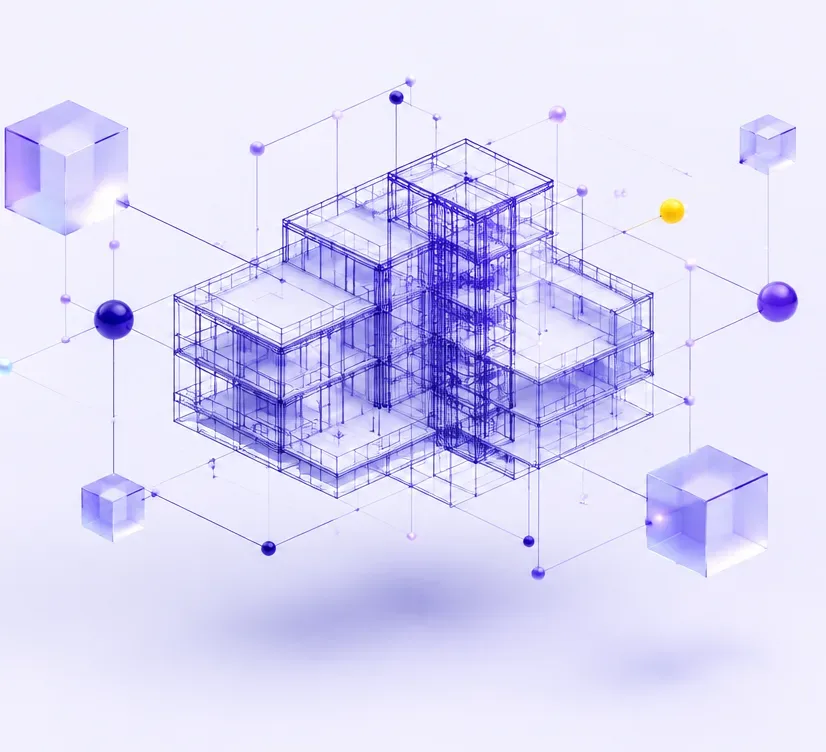
Three kinds of work: templates and standards for your design tools, pipelines that move geometry and data into fabrication software, and automated handoffs between design and project-management systems. Each service line has its own page setting out what it delivers and what it excludes.
No. Revit add-in development, Autodesk Platform Services work and headless model processing are not part of this service. If your problem needs them, we will tell you in the first conversation.
Revit and AutoCAD templates and content, Cabinet Vision, Microvellum, CNC post-processors, IFC and COBie exports, Power Automate, Logic Apps, SharePoint and Azure Functions. Naming a tool describes the work; it is not a partnership claim.
Offices in the US, Canada, the UK, the Netherlands and India. How delivery runs is set out on the delivery model page.

Your information is used only to reply to this enquiry and is never shared outside BluEnt. Privacy policy
